
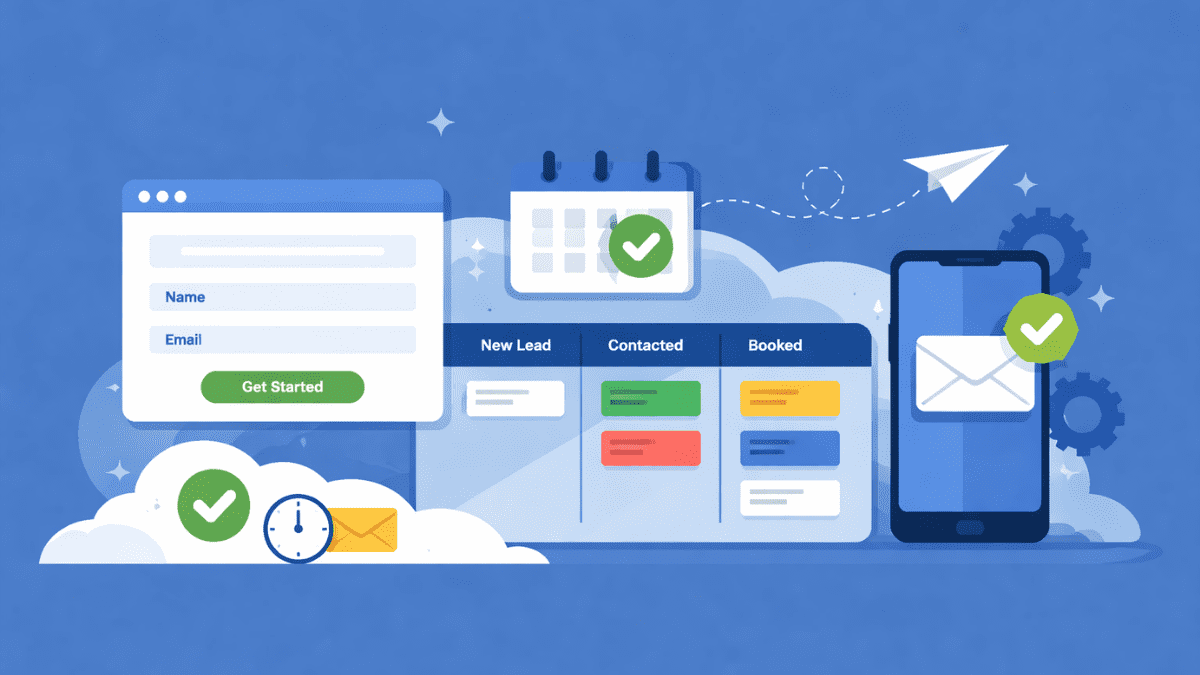
You do not need a fancy funnel, ten automations, and a fully built website to start getting leads with GoHighLevel.
You just need the basics working together.
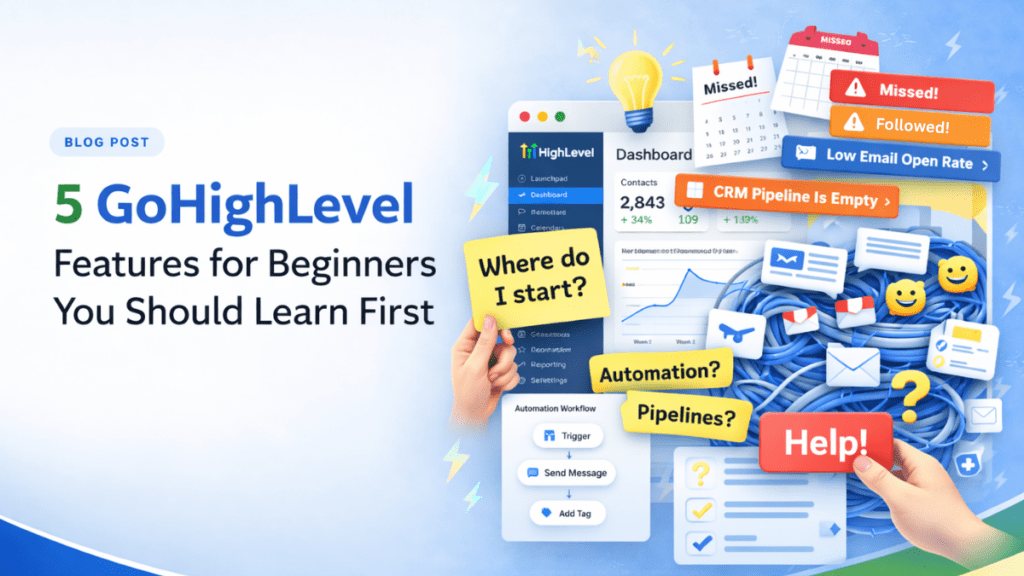
Most beginners log in, look around, and think, “Where do I even start?” And honestly, fair enough. GoHighLevel has a lot going on. Pages, pipelines, automations, calendars… it can feel like you just walked into a control room with too many buttons.
Here’s the truth though.
Getting leads does not come from using everything. It comes from setting up a simple path:
Someone lands on a page → takes action → becomes a lead → you follow up.
That’s it.
In this guide, I’ll walk you through what to set up first inside GoHighLevel for beginners, so you can start getting leads without overcomplicating things.
No fluff. No overwhelm. Just the pieces that actually move the needle.
Why Most Beginners Get Stuck in GoHighLevel
Let’s be real for a second.
Most people do not fail with GoHighLevel because it does not work.
They fail because they try to do too much too soon.
That is one of the biggest problems with GoHighLevel for beginners. You log in, and suddenly you see funnels, websites, triggers, workflows, pipelines, and calendars. It feels like you need to set everything up before anything works.
So what happens?
You start building a page, then jump to automations, then tweak your pipeline, then watch a YouTube tutorial, and before you know it, hours are gone and you still have zero leads.
Sound familiar?
Here’s the problem.
With GoHighLevel for beginners, it is easy to think you need a full system right away when all you really need is a simple lead machine.
Something that does this:
- Brings people in
- Captures their info
- Gives them a next step
- Lets you follow up
That is it.
You do not need perfection right now. You need something that works.
Because once leads start coming in, everything else becomes easier to improve.
So instead of trying to “set up GoHighLevel,” we are going to focus on setting up just enough to get results fast. That is the smarter way to approach GoHighLevel for beginners.
Let’s walk through exactly what that looks like.
The Core Setup You Need First to Get Leads Fast
This is where most beginners need to focus.
Not on building the perfect funnel.
Not on turning on every feature.
Just on creating a simple setup that helps you capture leads, stay organized, and follow up without dropping the ball. That is the real goal with GoHighLevel for beginners.
Here’s the order that makes the most sense.
1. Set Up Your Account Essentials
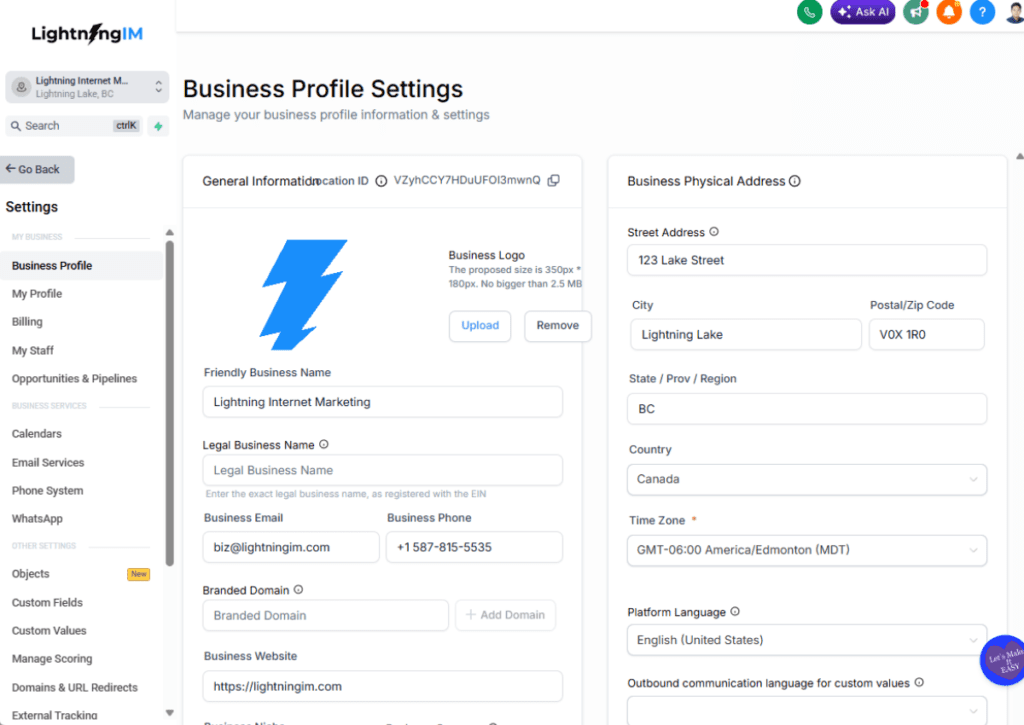
Before you build anything, make sure the basics are in place.
This part is not exciting, but it matters. If your account settings are messy, everything else gets harder than it needs to be.
Start with things like:
- your business name and contact details
- your logo and basic branding
- your email and phone settings
- your domain or subdomain if you are using one
You do not need to spend all afternoon making it pretty.
You just want the account ready enough so your pages, forms, emails, and follow-ups do not look half-finished. Think of this like getting your shop tools laid out before you start the real job.
2. Build a Simple Lead Capture Page

Next, build one simple page.
Just one.
A lot of beginners get stuck here because they try to create a full website, a long funnel, or five different offers right away. That is usually a fast path to frustration.
When it comes to GoHighLevel for beginners, simpler is usually better.
Your lead capture page should do one job:
get the visitor to take one clear next step.
That page should include:
- a clear headline
- a short explanation of what you offer
- one main call to action
- a form, survey, or booking option
Keep it clean. Keep it easy to scan. Keep it focused.
If your page tries to do ten things, people will do none of them.
3. Add a Form or Survey
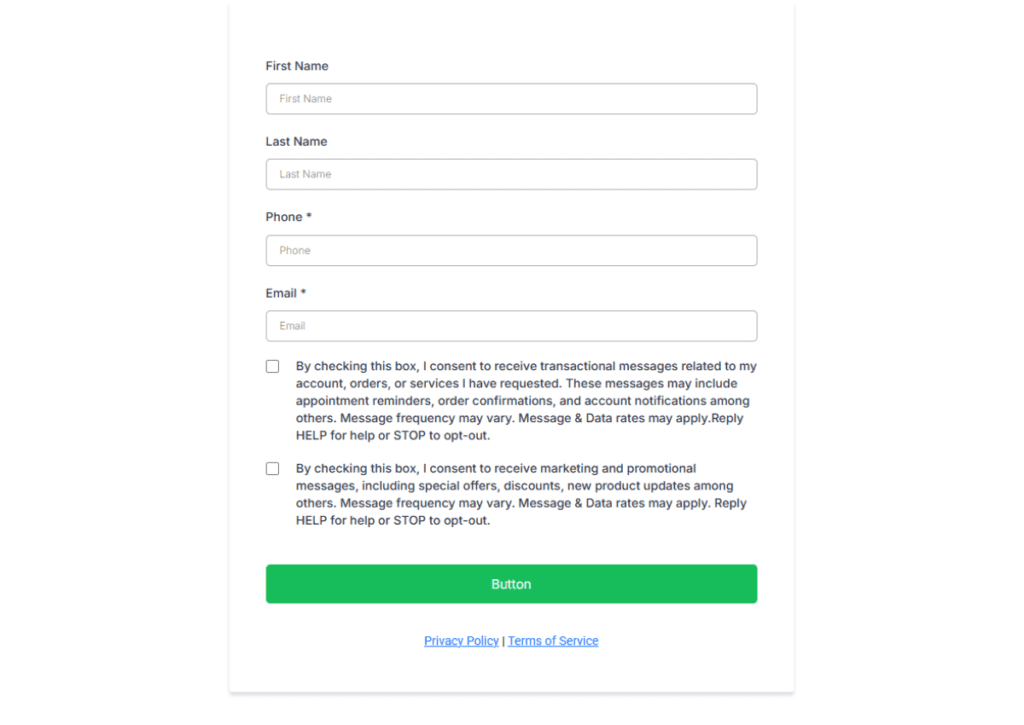
Once the page is built, give people a simple way to raise their hand.
For most beginners, that means adding a form or survey.
The big mistake here is asking for too much information too early.
You usually do not need a life story. You just need enough to start the conversation.
A simple form might ask for:
- name
- phone number
- one short question about what they need
That is plenty for most beginner setups.
The easier it is to fill out, the better chance you have of getting the lead. Every extra field is a little more friction, and friction is not your friend when you are trying to get leads fast.
4. Add a Calendar or a Clear CTA
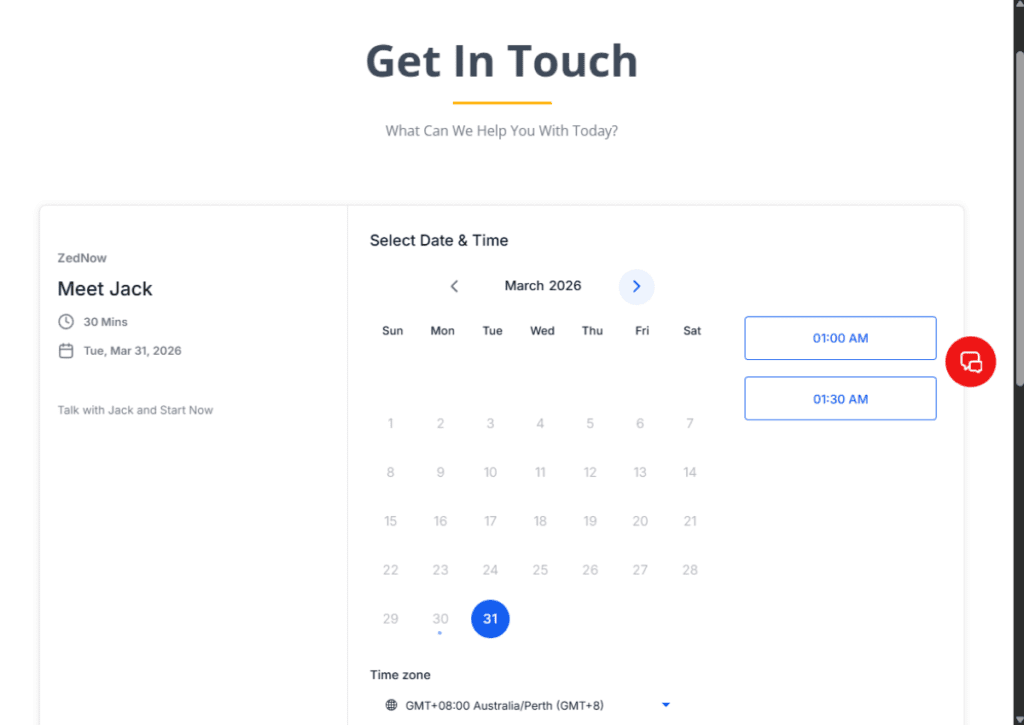
Once someone lands on your page and shows interest, what happens next?
This is where beginners often leave money on the table.
Do not make people guess.
Give them one clear next move.
Depending on your business, that could be:
- book a call
- request a demo
- fill out the form
- send a message
- claim an offer
If your goal is to get appointments, adding a calendar makes a lot of sense. It lets people take action right now while they are interested.
If a calendar is not the right fit, then use one strong call to action that is easy to spot and easy to understand.
Clarity wins here every time.
5. Create a Basic Pipeline
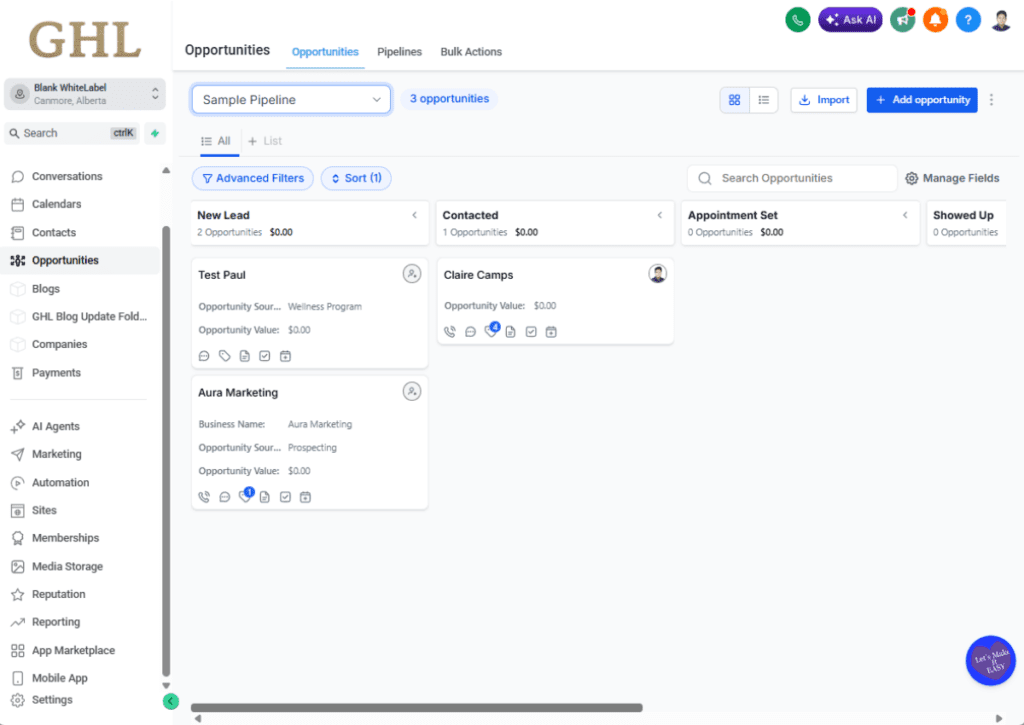
Now let’s talk about what happens after a lead comes in.
Because getting leads is great.
Losing track of them? Not so great.
That is why you want a basic pipeline set up early. Nothing fancy. Just enough to help you see where each lead stands.
A simple beginner pipeline could look like this:
- New Lead
- Contacted
- Booked
- Closed
- Not Interested
That alone is enough to help you stay organized and follow up like a pro instead of relying on memory and sticky notes.
And let’s be honest, sticky notes have betrayed all of us at some point.
This is one of the most useful parts of GoHighLevel for beginners because it helps you see exactly where your leads are instead of guessing.
6. Turn On One or Two Simple Automations
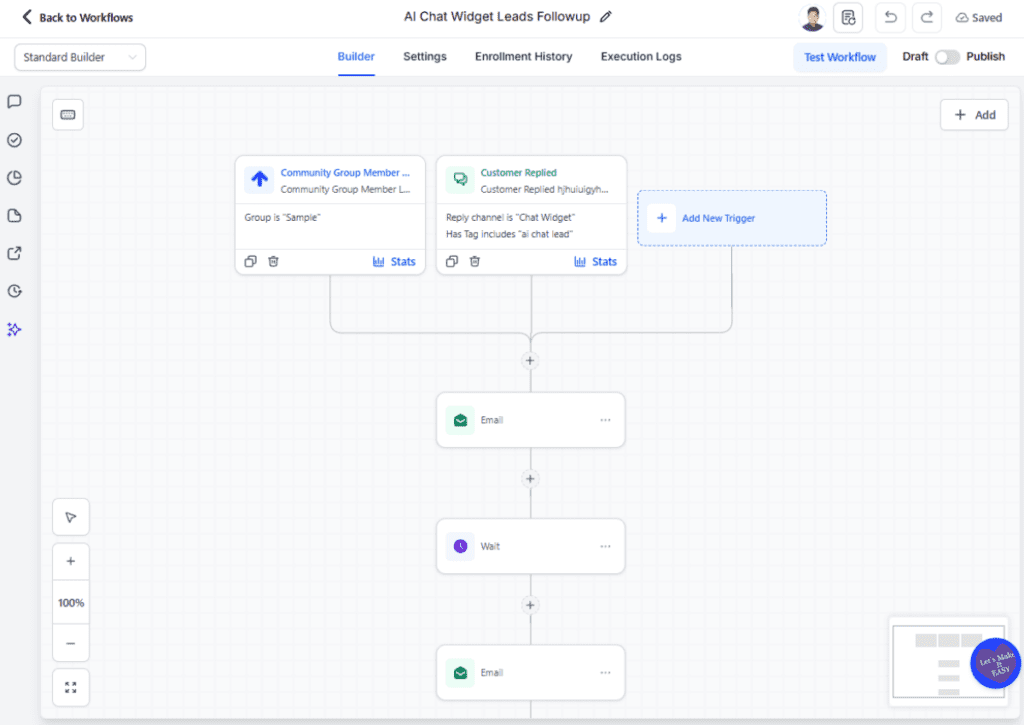
This is the part where GoHighLevel starts pulling its weight.
You do not need a giant workflow with seventeen branches and a dozen conditions.
Start small.
Pick one or two automations that save time and make your follow-up more consistent.
Good beginner options include:
- sending a confirmation email after someone fills out a form
- sending a text after someone books a call
- creating a task reminder when a new lead comes in
- sending a simple follow-up message if no one replies
That is more than enough to start.
Simple automations help you respond faster, stay consistent, and look more professional without adding a bunch of complexity.
And when you are new, simple beats clever every single time. That is one of the best ways to approach GoHighLevel for beginners if your goal is to get leads without getting overwhelmed.
Keep It Simple Before You Scale
This is where a lot of people go off track.
They get the basics working… and then immediately start adding more.
More pages. More automations. More steps. More “cool stuff.”
Before long, the simple setup that was working starts to feel messy again. That happens a lot with GoHighLevel for beginners, especially when it feels tempting to use every feature at once.
Here’s a better way to think about it.
If your current setup can bring in leads, track them, and follow up… you are already ahead of most beginners.
You do not need to upgrade it right away.
Instead, focus on:
- getting consistent leads in
- improving your response time
- having real conversations
- closing deals
Because that is where the real learning happens.
Not inside the builder. Not inside another workflow.
Out in the real world, talking to actual leads.
Once that simple system is working, then you can start layering in more:
- better pages
- smarter automations
- more detailed pipelines
- stronger follow-up sequences
But do it with a reason. Not just because the feature exists.
Running a business without a clear system is tough. But overbuilding too early? That is just as bad.
With GoHighLevel for beginners, the smartest move is usually the simplest one: keep it clean, keep it useful, and build only what helps you get results.
Keep it simple. Get results. Then improve.
That is how you win with GoHighLevel for beginners.
Conclusion
If you are new to the platform, the good news is this:
You do not need to master everything before GoHighLevel can start working for you.
You just need the right pieces in place.
Start with the essentials. Build one simple lead capture page. Add a form or survey. Give people a clear next step. Set up a basic pipeline. Then turn on one or two automations to help you follow up without missing a beat.
That is the real goal with GoHighLevel for beginners.
Not to build a giant system on day one.
Just to build a simple one that helps you get leads fast.
Once that is working, you can improve it, expand it, and make it smarter over time. But first, get the basics live and let the system do its job. Because in the beginning, simple wins.